 Rclone Explorer
Modern design
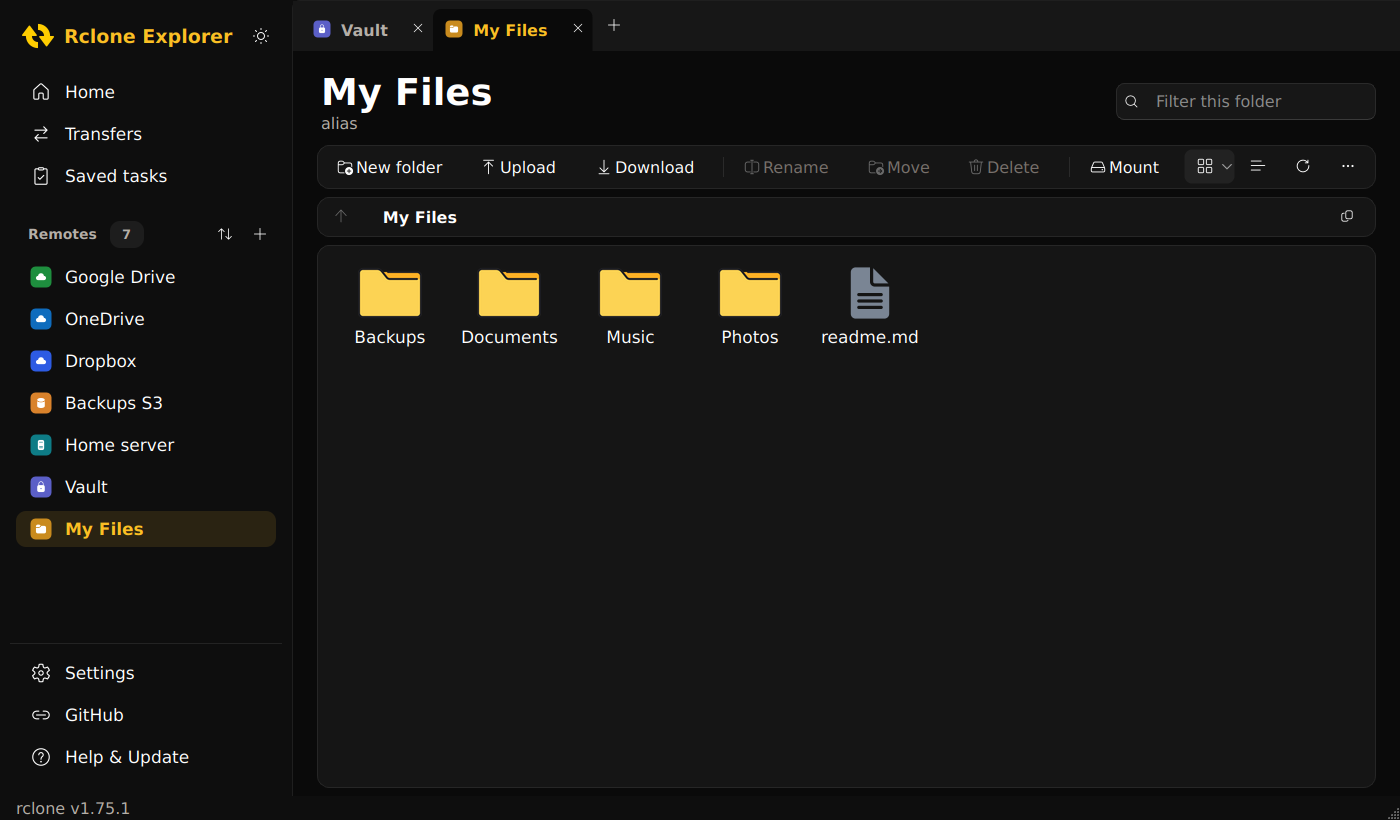
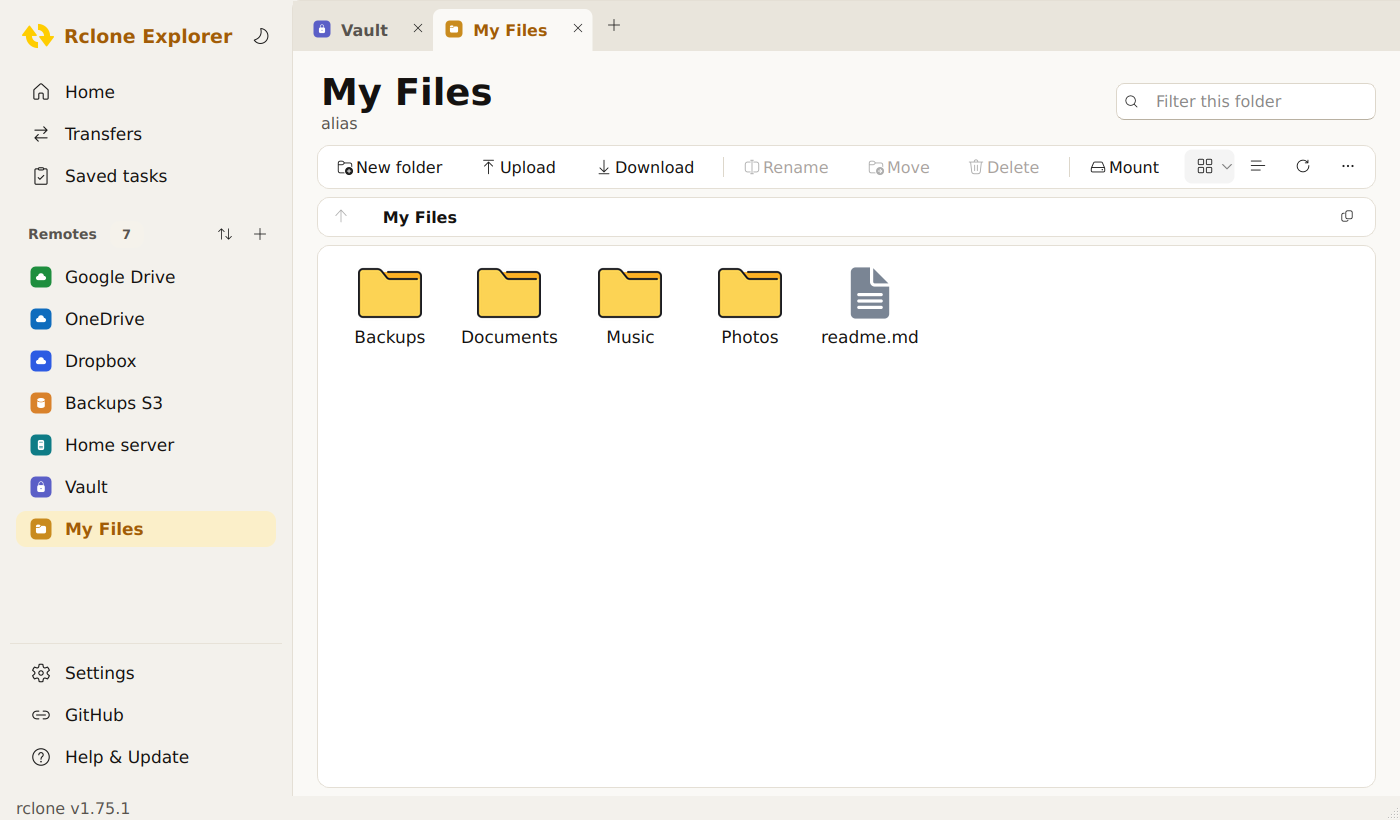
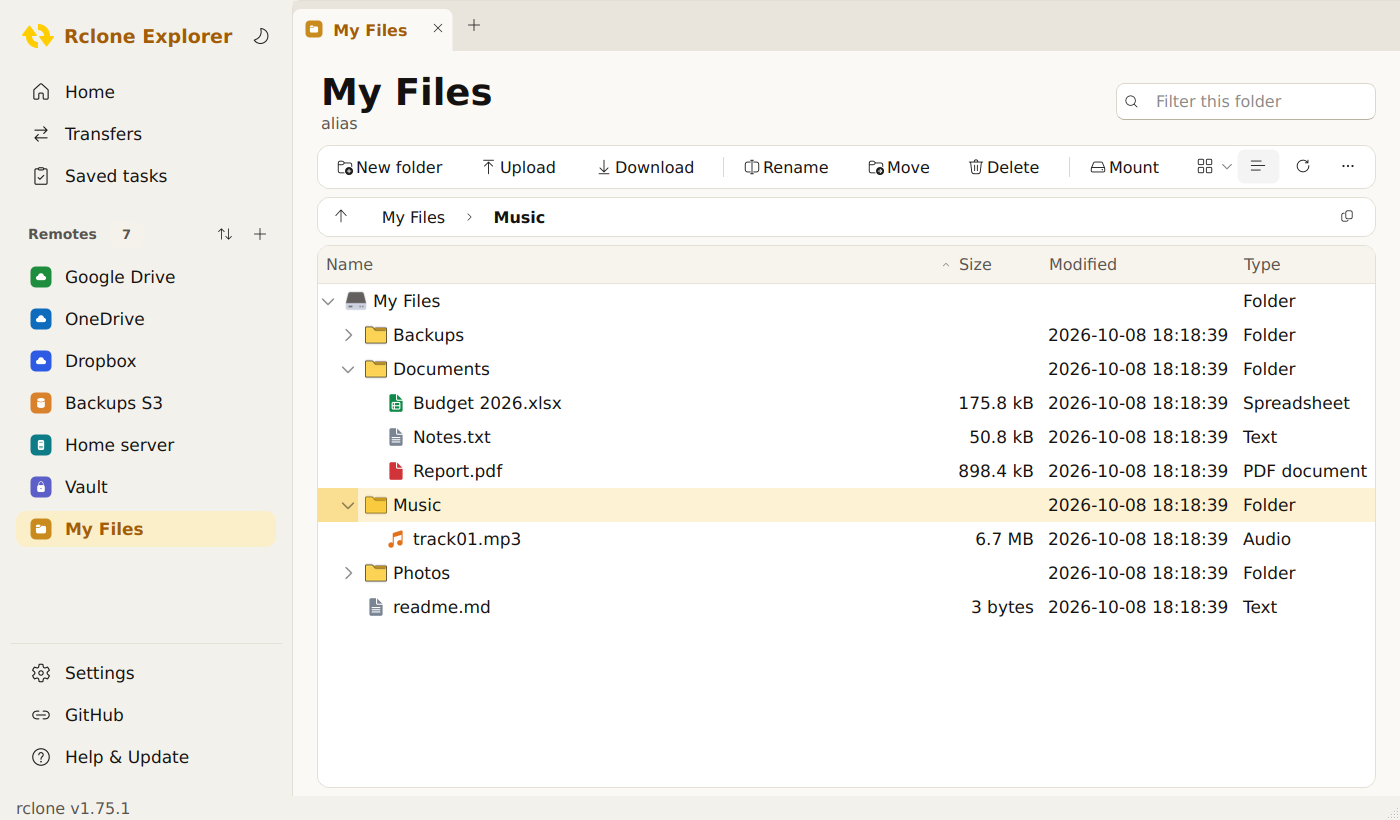
Navigation pane, File Explorer–style tabs, command bar and breadcrumb address bar, on Windows and Linux. Black and gold, or warm light, switched with one click.
Rclone Explorer is a modern rclone GUI: browse, upload, download and sync files on Google Drive, OneDrive, Dropbox, pCloud, S3 and 70+ other services, powered by rclone. Portable, free and open source.
All the power of rclone in a graphical interface as comfortable as File Explorer.
Navigation pane, File Explorer–style tabs, command bar and breadcrumb address bar, on Windows and Linux. Black and gold, or warm light, switched with one click.
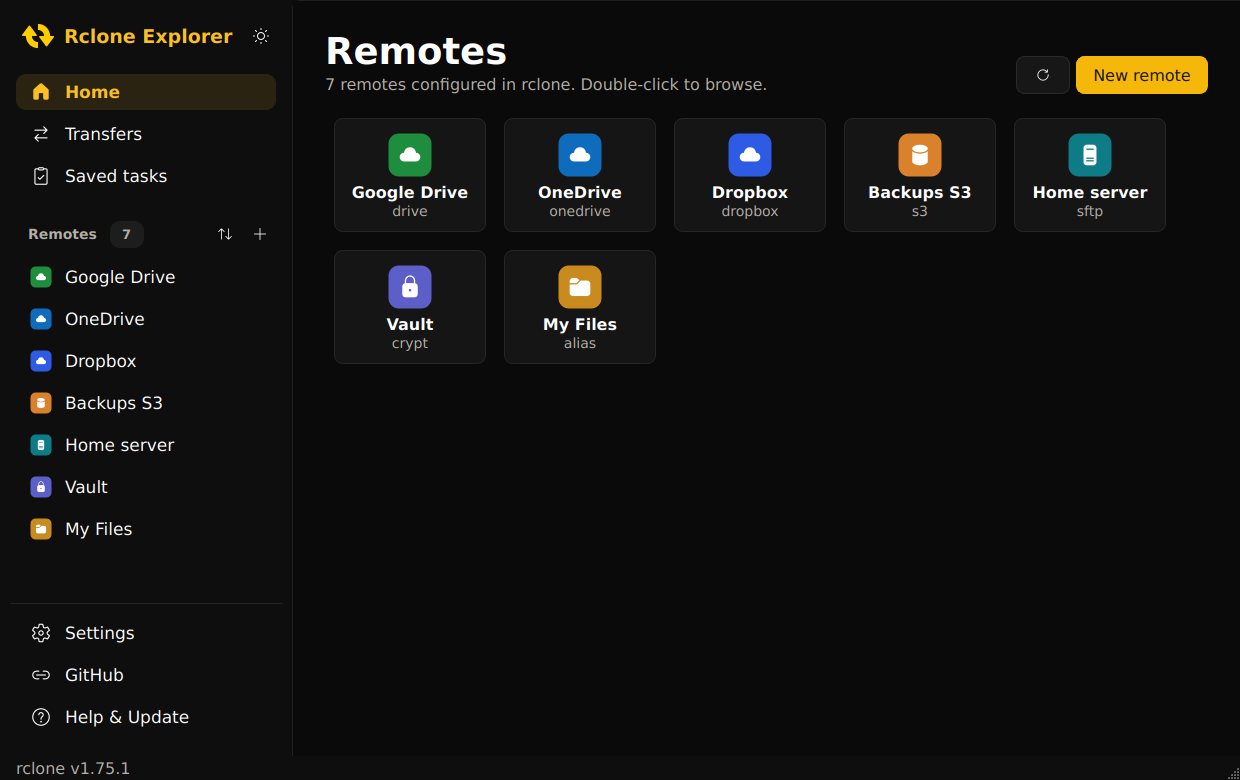
Google Drive, OneDrive, Dropbox, pCloud, S3, SFTP, encrypted remotes and every other rclone storage type, using your existing rclone setup.
Open several remotes, or the same one twice, side by side. Ctrl+T for a new tab, Ctrl+W to close.
Extra large to small icons with colour-coded file types, or a sortable list with sizes and dates. Ctrl + wheel to zoom.
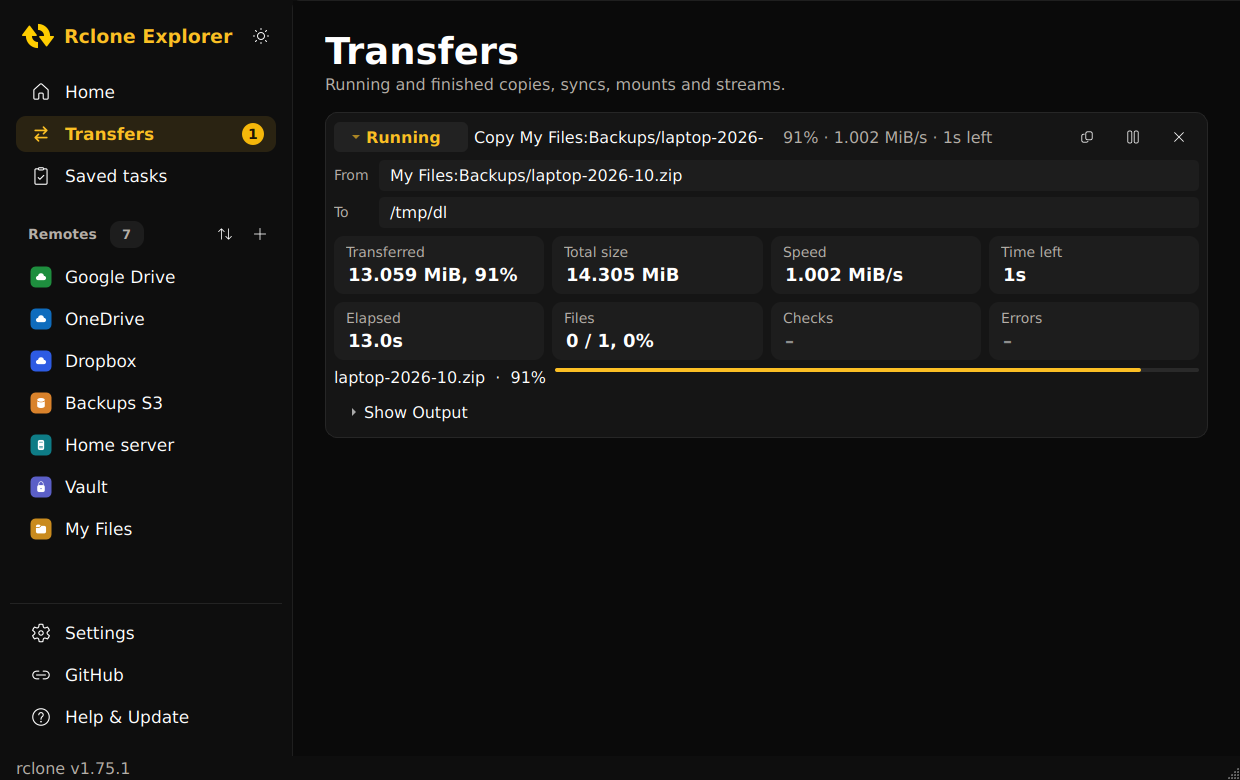
Live progress, speed and time left for every file. Pause a big upload and pick it up later.
Store a backup or sync once and run it again with one click, or as a dry run first.
Mount a remote as a drive (WinFsp on Windows, FUSE on Linux) or stream media straight to VLC.
rclone is included and updated from inside the app. Every download is checksum-verified.
Your cloud credentials never leave rclone's own configuration. Hardened builds, self-tested packages and checksums for every release.
An rclone GUI that looks at home on Windows and Linux, in dark or light.
Get the latest version for your system from the releases page.
Extract the zip anywhere and run RcloneExplorer.exe. If Windows warns about an unknown app, choose More info, then Run anyway.
Make the AppImage executable (chmod +x) and run it. Works on Ubuntu, Fedora, Debian, Mint, Arch and more.
Your rclone remotes appear automatically, or click New remote to add one.