
Your start page, bookmarks, notes and tasks, on your own server.
Homebase Hub puts the small things you open every day in one private place: one login, one look, and nothing stored anywhere but your own hosting.
Free and open source under GPL-3.0. Runs on PHP 8.3 or newer, no database.

Six pages that share one login
Home, Links, Info, Cards, Tasks and Tools sit behind the same login and bar, with one Settings page for all of them. Every screenshot here is the real app with example data.
What each page does
Each page does one job. A start page, bookmarks, notes, cards, tasks and a toolbox, all with the same look.
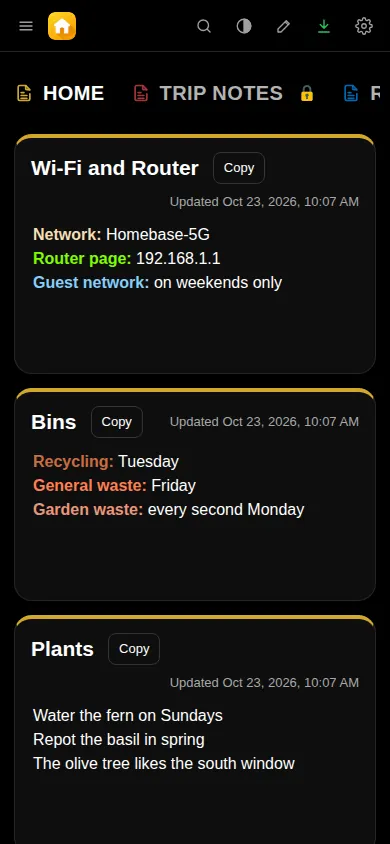
Home
Your start page, with background photos that change and their credit in the corner.
- Photos get a phone-sized copy, so they load fast.
- Show it with or without the bar.

Links
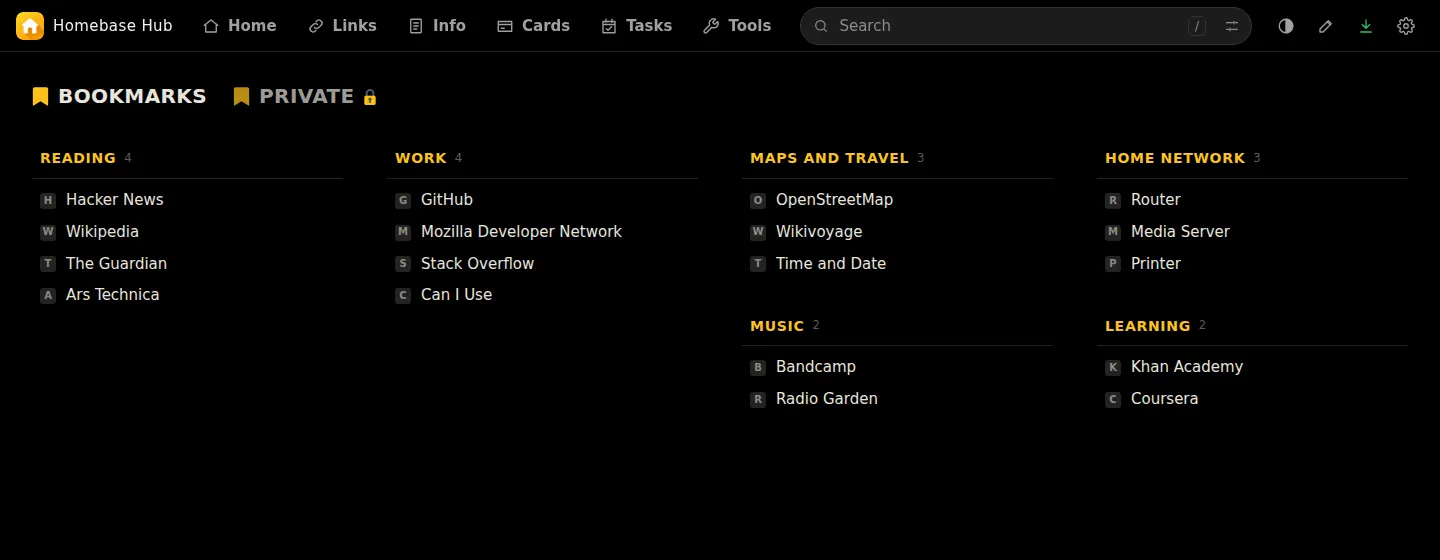
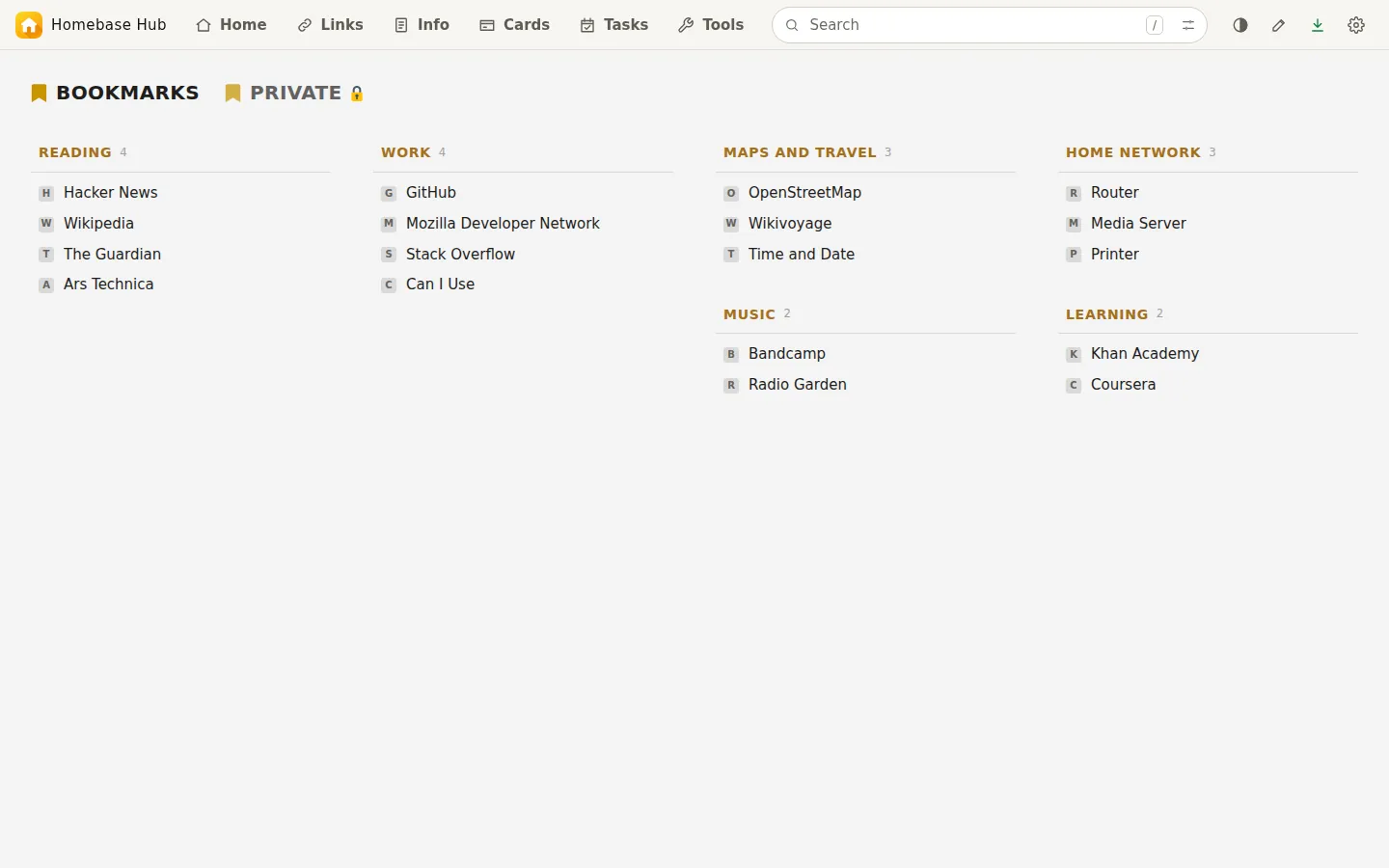
Bookmarks in tabs and categories.
- Link icons are saved on your server.
- Colours and text sizes for each tab.
- Tabs can be encrypted with your passphrase.
Info
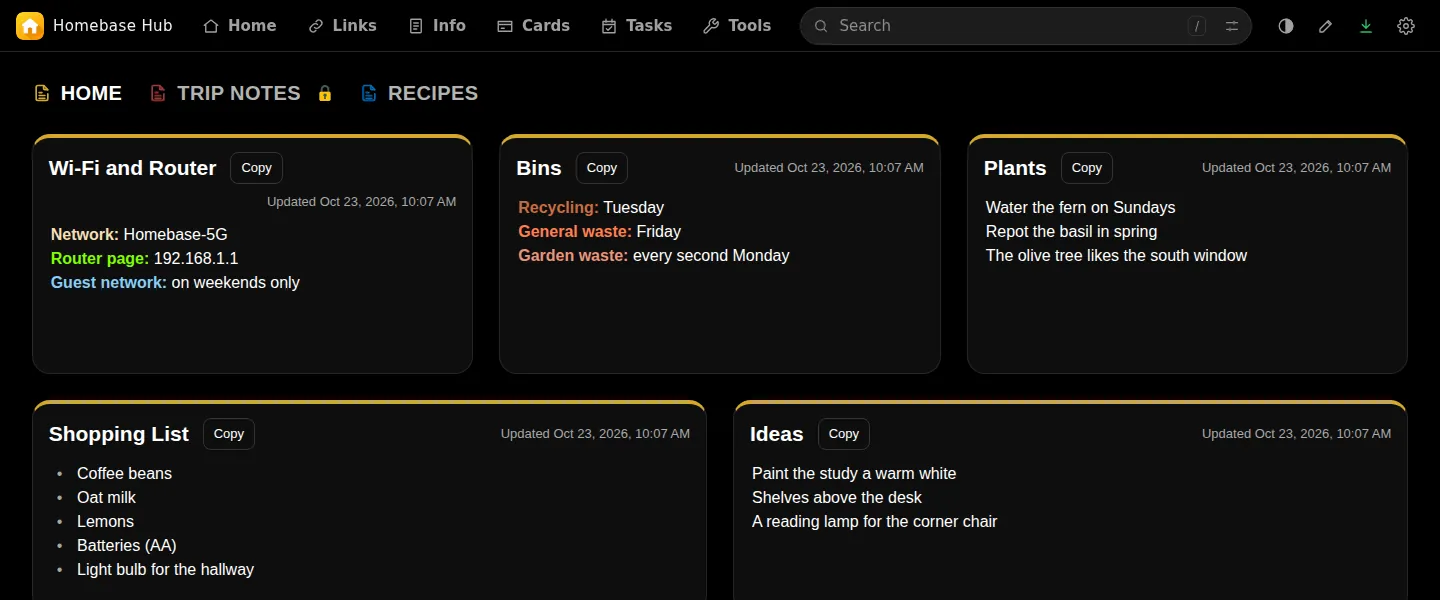
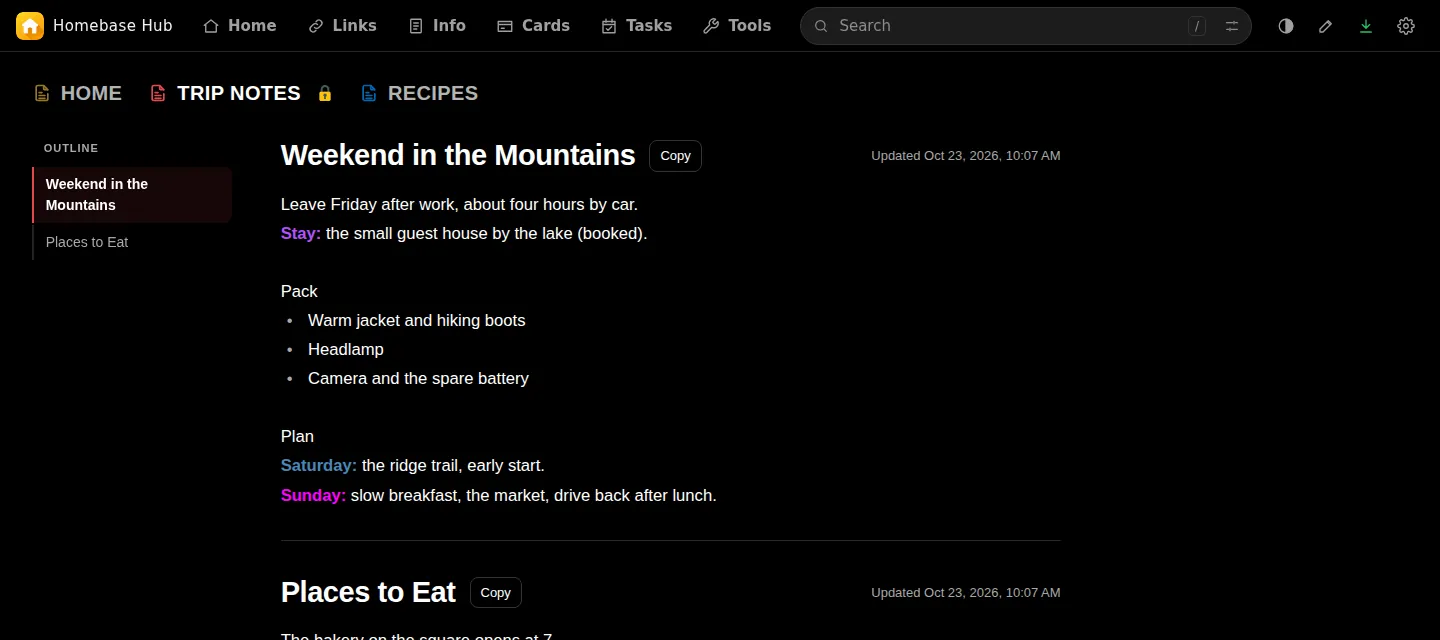
Notes in tabs. Each tab holds 1 to 12 boxes.
- Arrange boxes as cards, or write the tab as one document with an outline.
- Encrypted tabs for private notes.
- Export a tab or all of them as PDF or text.
Cards
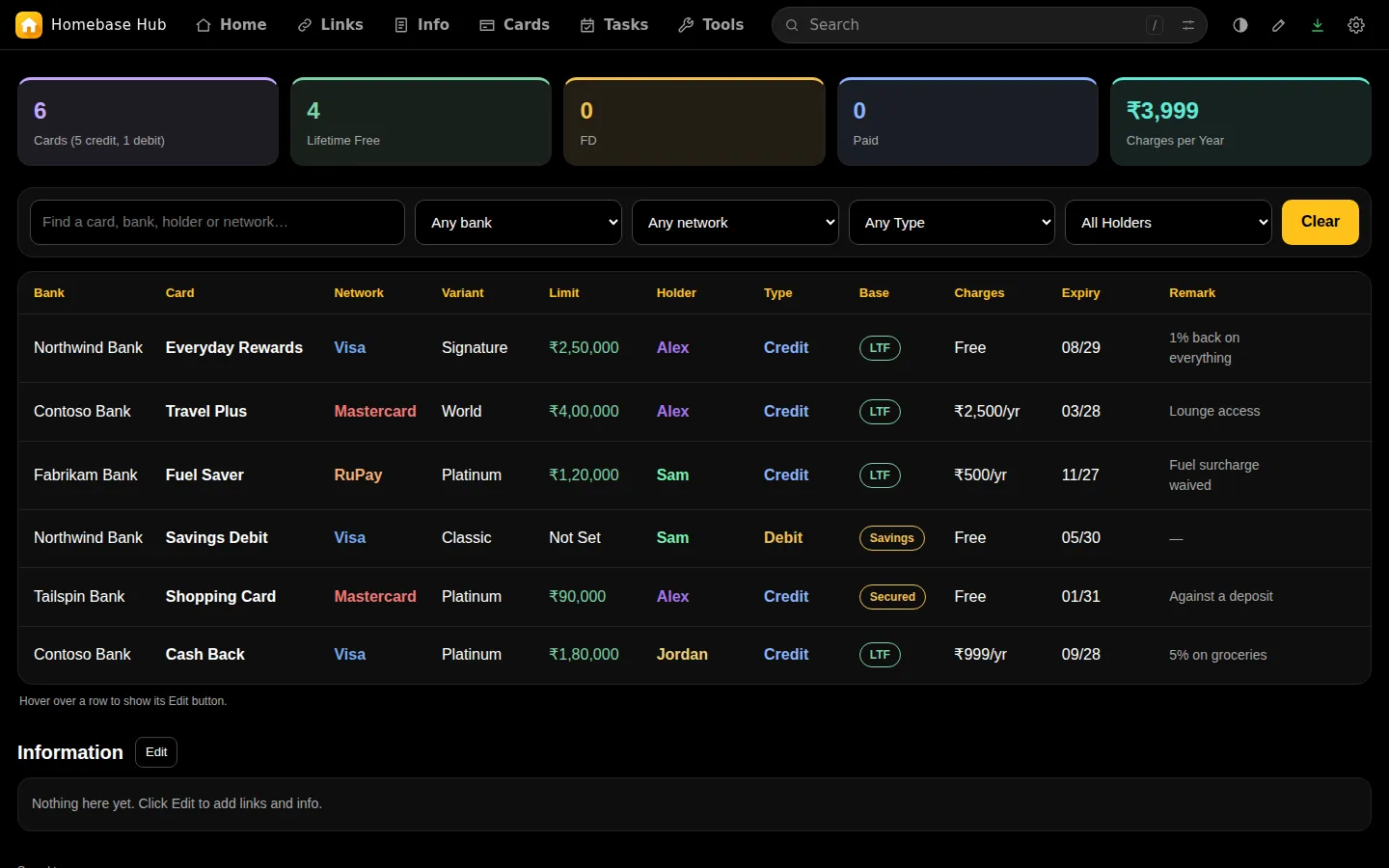
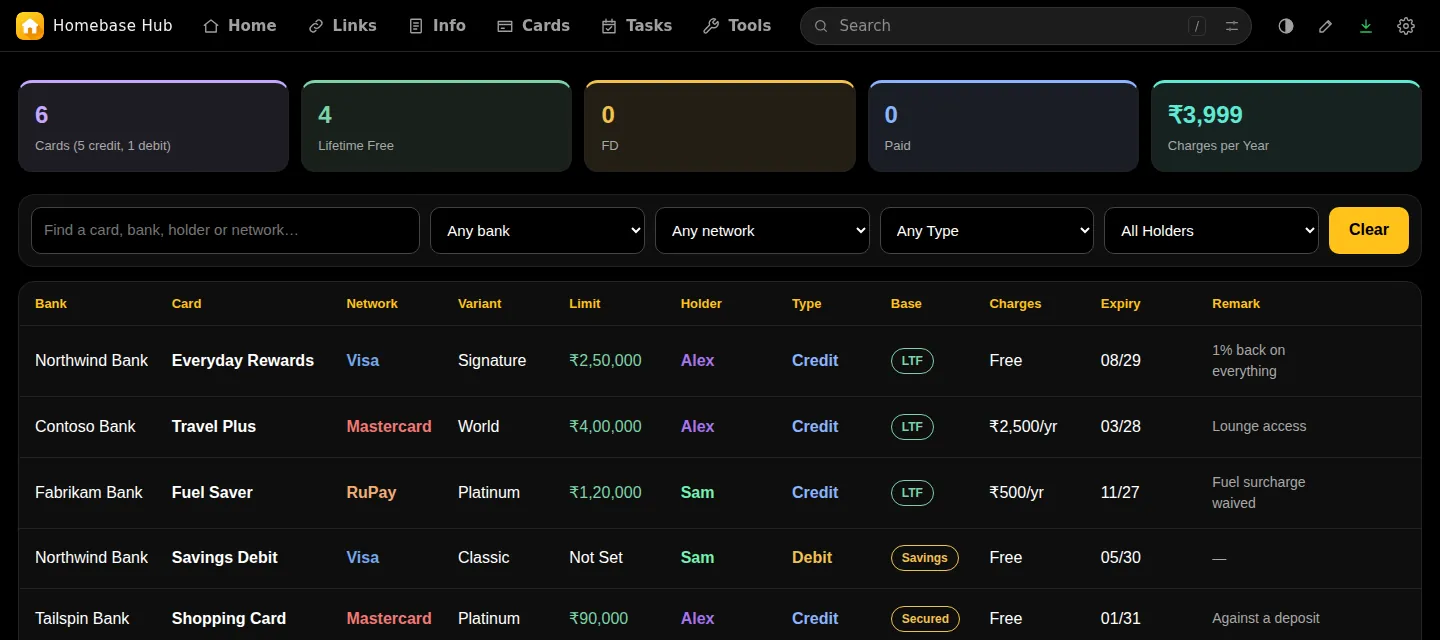
Your cards in a table you can search and filter by bank, network, type and holder.
- Yearly charges added up.
- Nothing is sent until you are logged in.
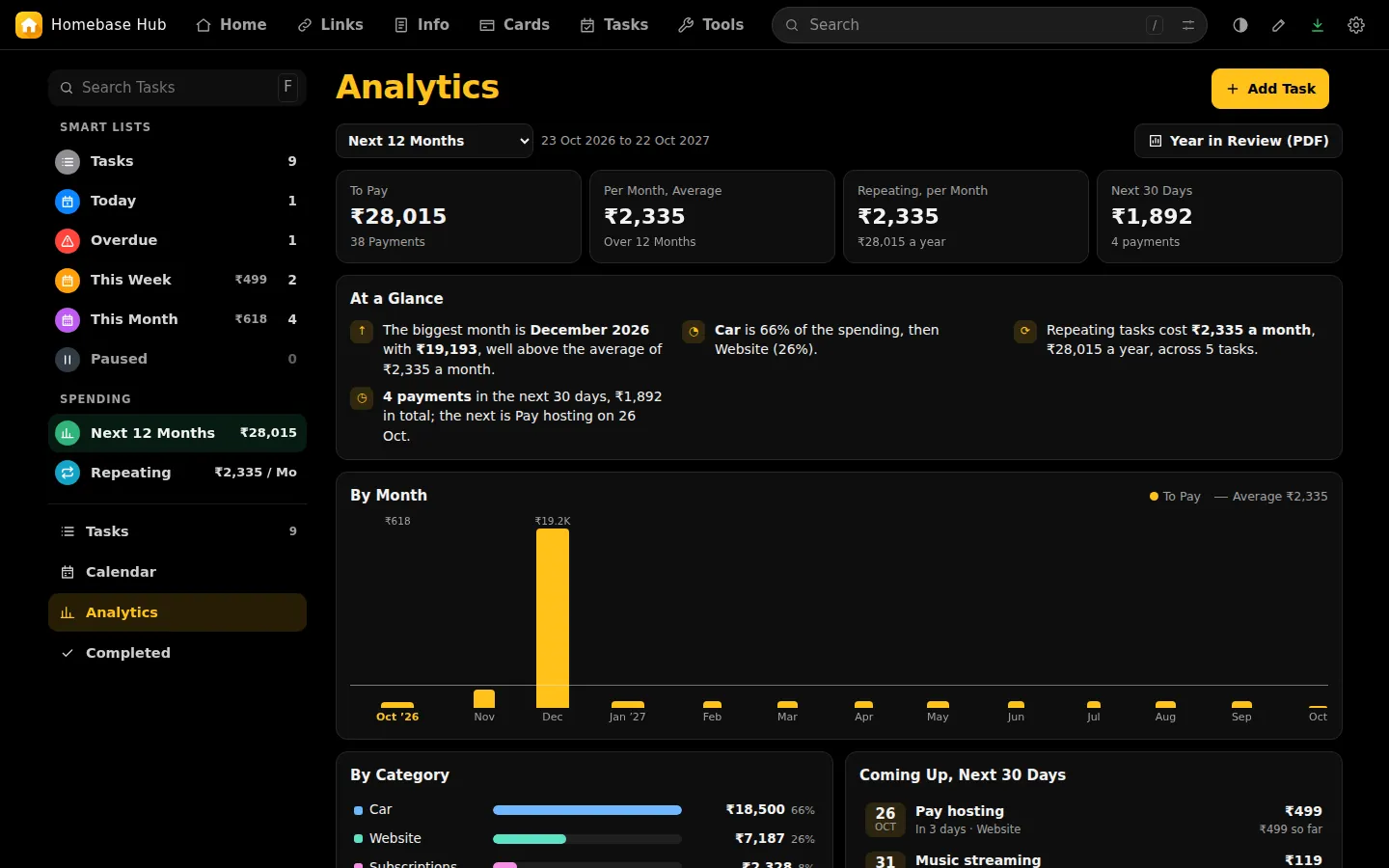
Tasks
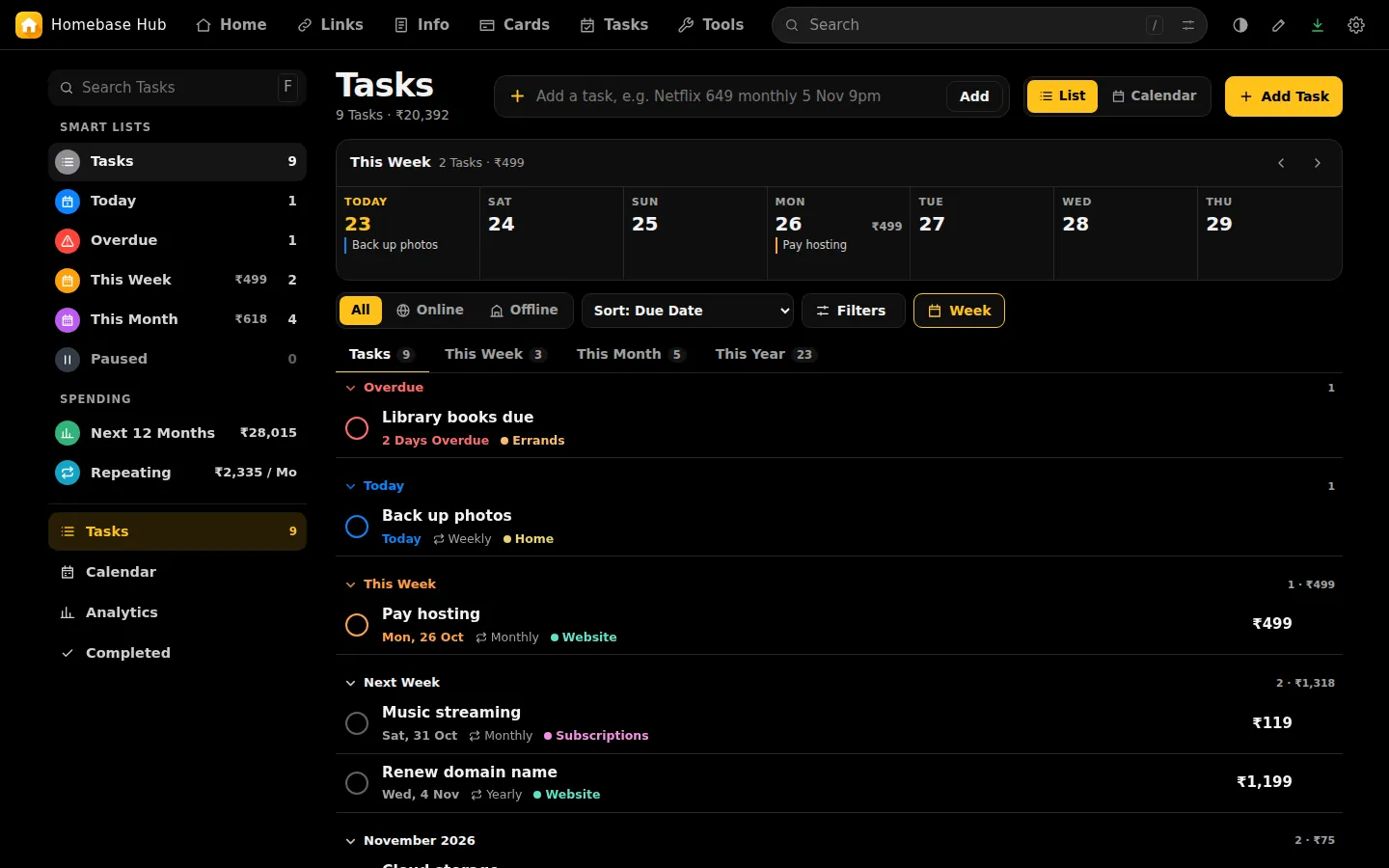
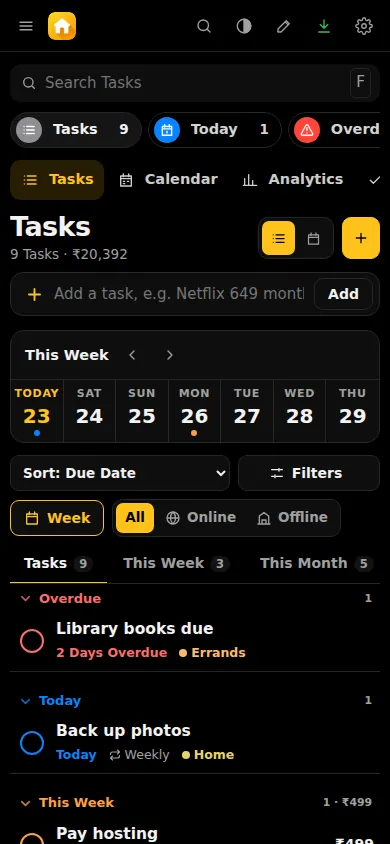
Things with a due date: bills, renewals, chores.
- Repeats, prices, categories and smart lists.
- A calendar, analytics and a Year in Review PDF.
- Reminders in Telegram.
Tools
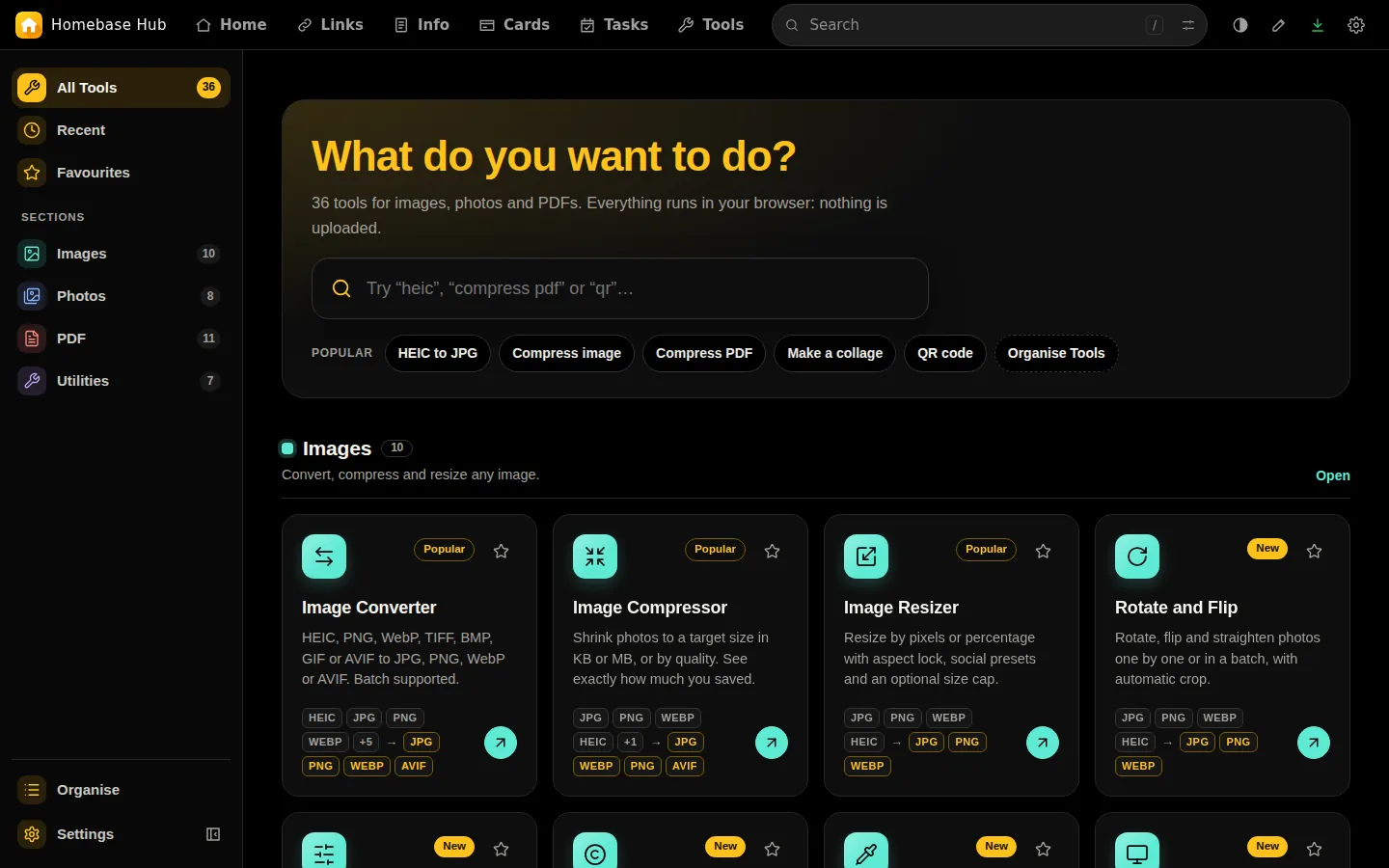
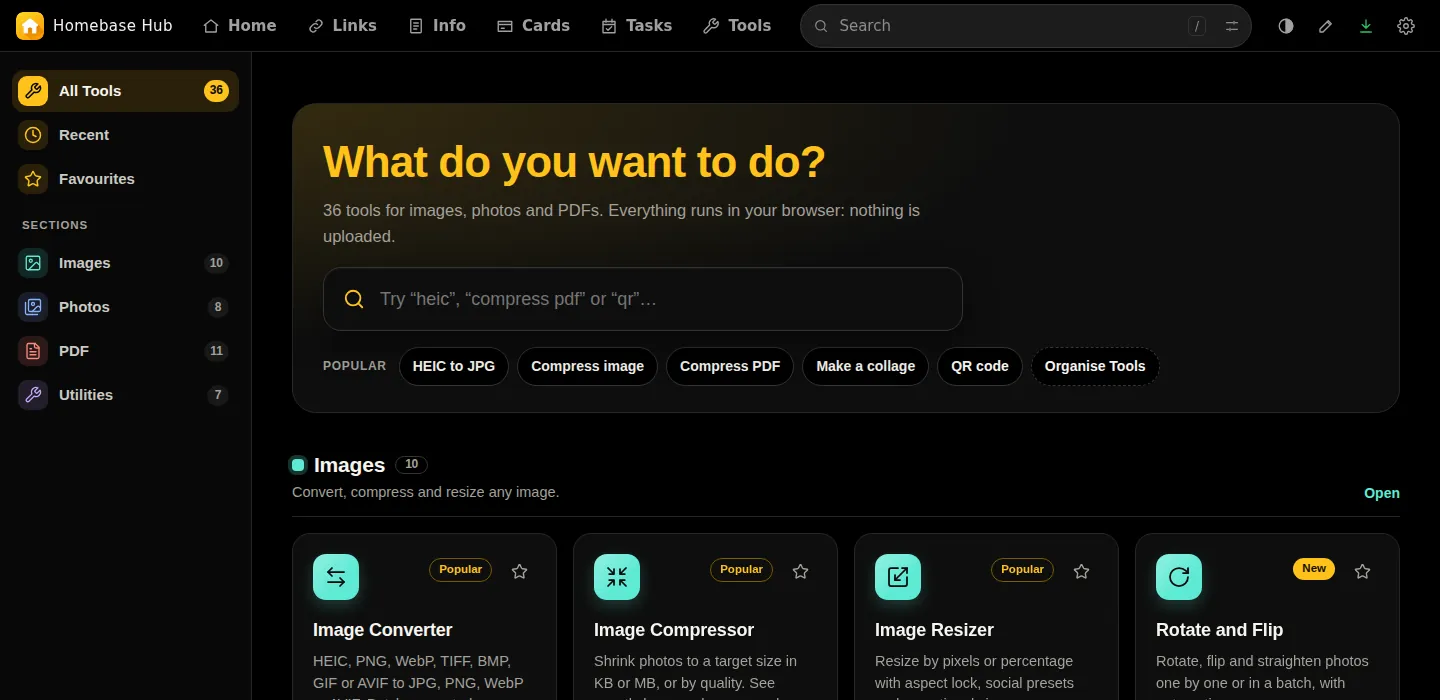
Small tools that run in your browser: crop, resize and convert images, merge and sign PDFs, read text from images, remove backgrounds, make QR codes, and more.
- Star favourites and arrange your own sections.
Private by design
Your data lives in one folder on your own hosting, closed to browsers. Nothing is sent anywhere unless you set it up.
One login, done properly
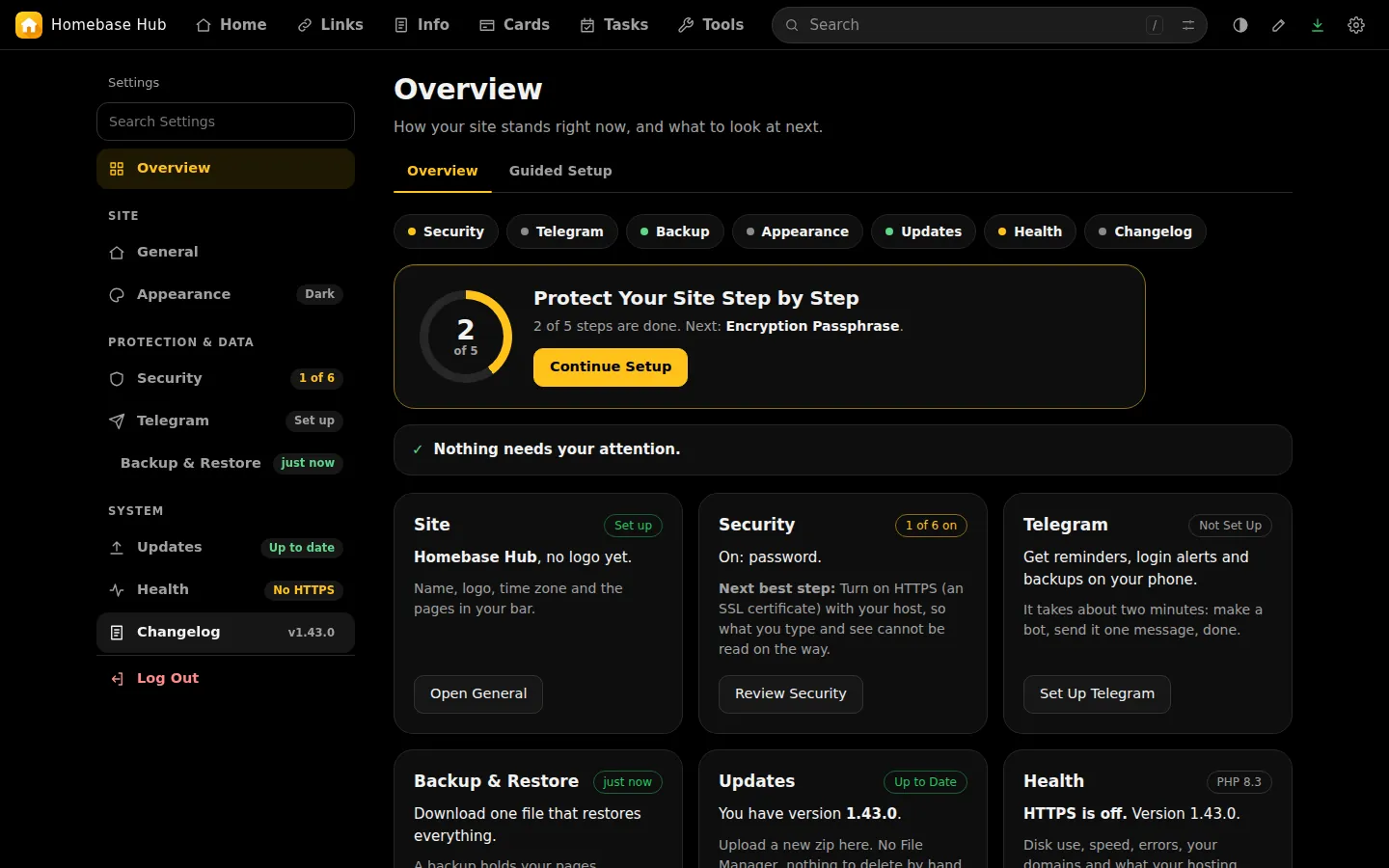
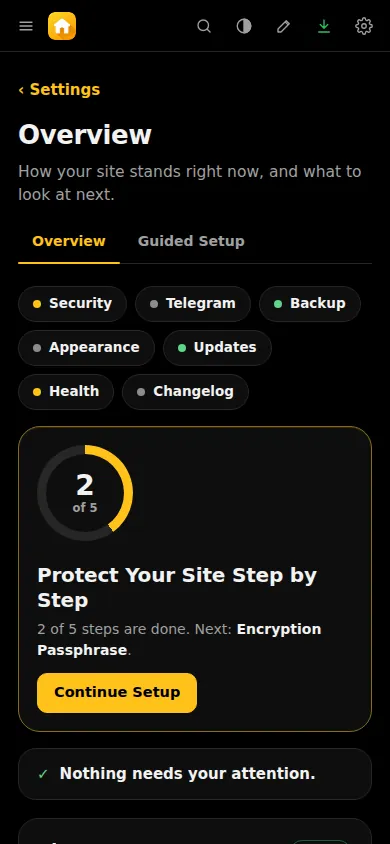
Two-step login, recovery codes, trusted browsers, a device list, and logins paused after five wrong tries.
Encrypted where you choose
Encrypted tabs in Links and Info, and encrypted backup files. The keys are made in your browser.
Backups you can restore
One file holds every page. Earlier versions are kept, and Telegram can send backups to your chat.
Updates you can undo
Update from GitHub or with a zip. Each update is checked first, needs your password, and can be undone.
Get started
You need web hosting with PHP 8.3 or newer and a file manager. HTTPS is recommended.
Download
Get
site-update-1.43.1.zipfrom the latest release.Upload and extract
Put the zip in your domain's folder in the file manager, and extract it there.
Create your site
Open your domain, click the key icon, and enter the setup code from
site-data/core/SETUP-CODE.phpwith a new password.
Full steps, moving a site and recovering a password: Install.