 Homebase Hub
Every bookmark, in its place.
Bookmarks in tabs and categories, with icons saved on your server. Bring yours from any browser in a minute.
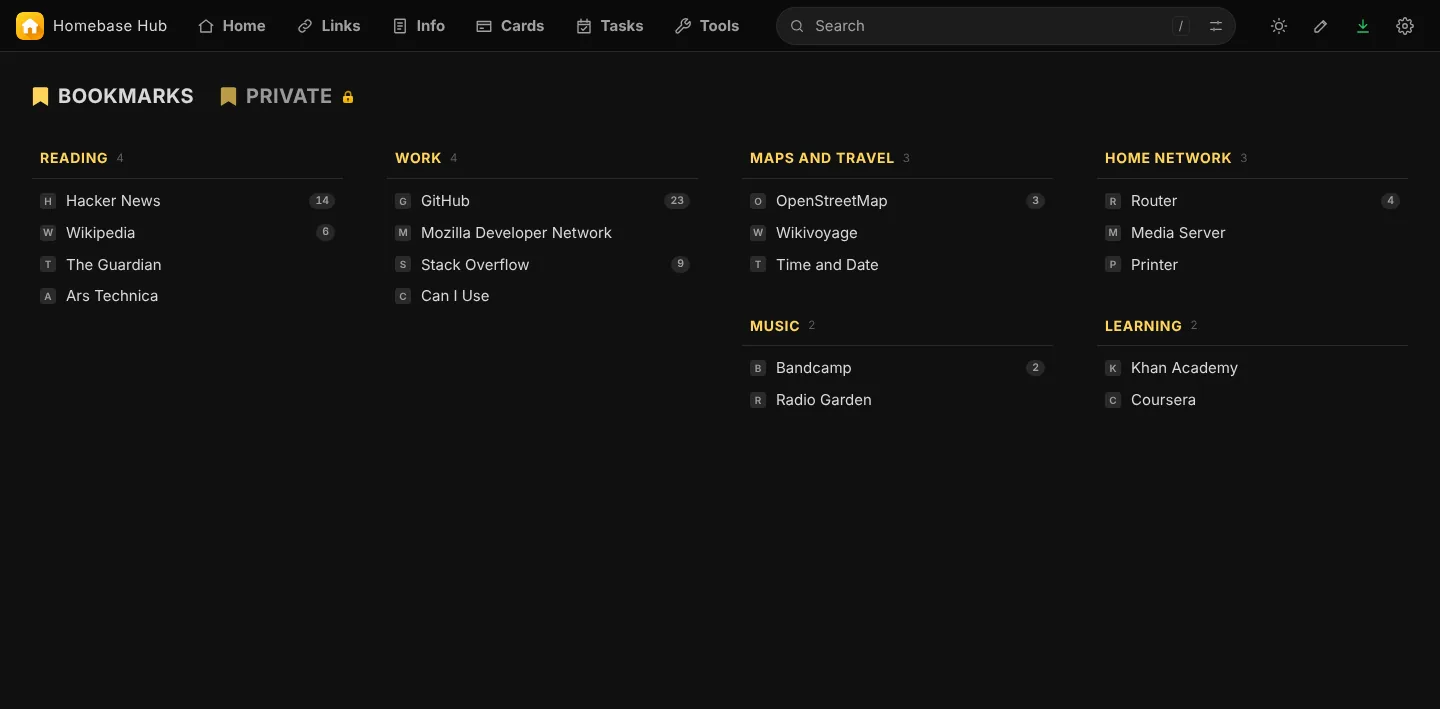
What Links takes off your mind.
The real page, point by point.
Small things, done properly.
Import with a preview
Pick the file, see how many links and which folders become which categories, then choose a new tab or an existing one. Links you already have are not added twice.
Easy to undo
A copy of Links is kept just before an import, in Settings, Backup and Restore, Earlier Versions.
Colours and sizes
Each tab can have its own column colours and text sizes.
Encrypted tabs
Tabs can be encrypted with your passphrase. The keys are made in your browser.
See which links you open most
Each link shows how often it was opened, at the end of its row. Only you see the numbers; links in encrypted tabs are never counted.
One bar while you edit
Press the pencil, choose Edit This Page, and Colors, Fetch Icons, Import Bookmarks and Links Settings sit in one bar at the bottom.
Up and running in three steps.
No database and no command line. A file manager is enough.
- 1Download the zip
- 2Upload and extract it on your hosting
- 3Open your domain and choose a password