 Homebase Hub
Telegram
Reminders where you already are.
Connect your own Telegram bot and the site tells you what needs you. It only answers your own chat. Tap a command to see the kind of reply you get.
Example chat, with made-up replies
Due now
Electricity bill
DoneSkipSnooze
What it does
Four ways it helps.
A daily digest
What is overdue, due today and coming up, at the hour you choose.
Due Now, with buttons
Tasks with a time get a message when it arrives. Tap Done, Skip or Snooze (1 hour, 3 hours or tomorrow) right there.
Commands in the chat
Send /today, /week, /next, /add, /done, /snooze, /backup or /status to your bot.
Backups and login alerts
Backup files every few days, and a message whenever someone logs in.
Commands
Type it, and it is done.
| Command | What it does |
|---|---|
/today | Overdue and due today, with Done buttons |
/week | The next 7 days |
/next | The next 10 tasks |
/add Netflix 649 monthly 5 Nov | A new task (price, repeat, date and time are optional) |
/done Netflix | Mark a task done |
/snooze Netflix 2h | Pause its reminders (30m, 2h, 1d or tomorrow) |
/backup | Send a backup file now |
/status | A quick check of the site |
Set up
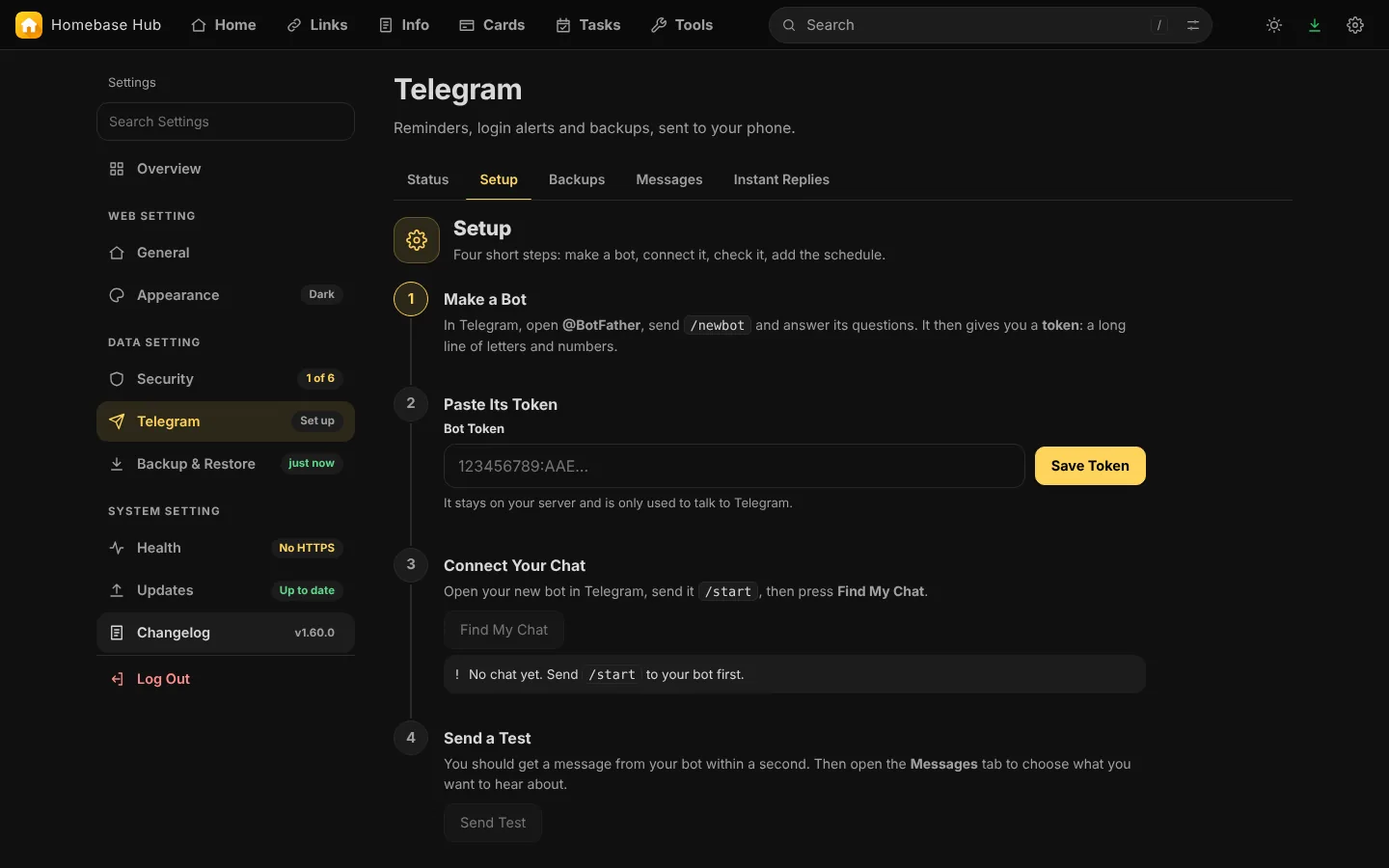
Four short steps.
Settings, Telegram walks you through making a bot and connecting your chat. It takes a few minutes, and Guided Setup in Settings can lead you there.
Up and running in three steps.
No database and no command line. A file manager is enough.
- 1Download the zip
- 2Upload and extract it on your hosting
- 3Open your domain and choose a password